

Performance optimization ensures smooth gameplay during intense moments. Reducing lag and improving frame rates enhances every aspect of WoW. This guide covers performance settings, troubleshooting steps, and optimization strategies for all system configurations.
Performance Fundamentals
Smooth gameplay requires understanding performance basics. Key concepts include:
- Frame Rate (FPS): Frames displayed per second
- Latency (Ping): Network delay to game servers
- Draw Distance: How far you can see clearly
- Settings Impact: Each option affects performance differently
Balancing visual quality with performance requires informed decisions.
Graphics Settings Impact
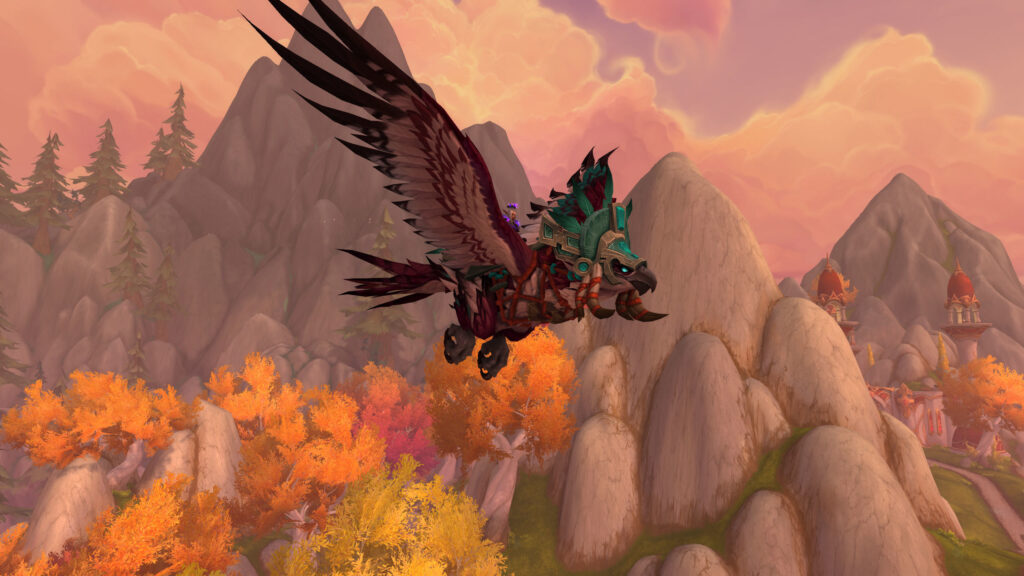
Different graphics settings affect performance variably. The table below shows setting impacts:
| Setting | Performance Impact | Visual Impact | Recommended |
|---|---|---|---|
| Shadows | Very High | Medium | Low or Disabled |
| Liquid Detail | High | Low | Low |
| Spell Density | High | Medium | Medium for raids |
| View Distance | Medium | High | Based on preference |
| Texture Quality | Low (VRAM dependent) | High | Maximum if VRAM allows |
Network Optimization
Network latency affects gameplay responsiveness significantly. Use wired connection instead of wireless primarily. Close bandwidth-consuming applications during play. Select geographically closest game server. Test internet speed regularly for issues. Lower latency improves reaction time measurably.
Addon Performance
Addons impact frame rates and memory usage substantially. Disable unused addons before every raid night. Test new addons in low-stress environments first. Use addon memory tracking to identify problems. Replace heavy addons with lighter alternatives. Regular addon maintenance prevents performance degradation.
System-Wide Optimizations
Windows settings affect WoW performance noticeably. Set power plan to High Performance mode. Disable fullscreen optimizations for WoW executable. Update graphics drivers to latest versions regularly. Close background applications consuming resources. Set WoW to high priority in task manager.
Troubleshooting Common Issues
Common performance problems have standard solutions. Frame drops in cities indicate addon issues. High latency suggests network problems primarily. Stuttering often means memory or VRAM limitations. Freezing crashes typically indicate overheating problems. Systematic troubleshooting identifies root causes effectively.
Why Performance Matters
Smooth performance provides genuine competitive advantages. Higher frame rates enable faster visual processing. Lower latency improves reaction timing measurably. Reduced stuttering decreases gameplay frustration substantially. Professional players optimize performance religiously. Smooth gameplay makes WoW more enjoyable fundamentally.